We cannot ship your goods cross border until we have the necessary customs data.
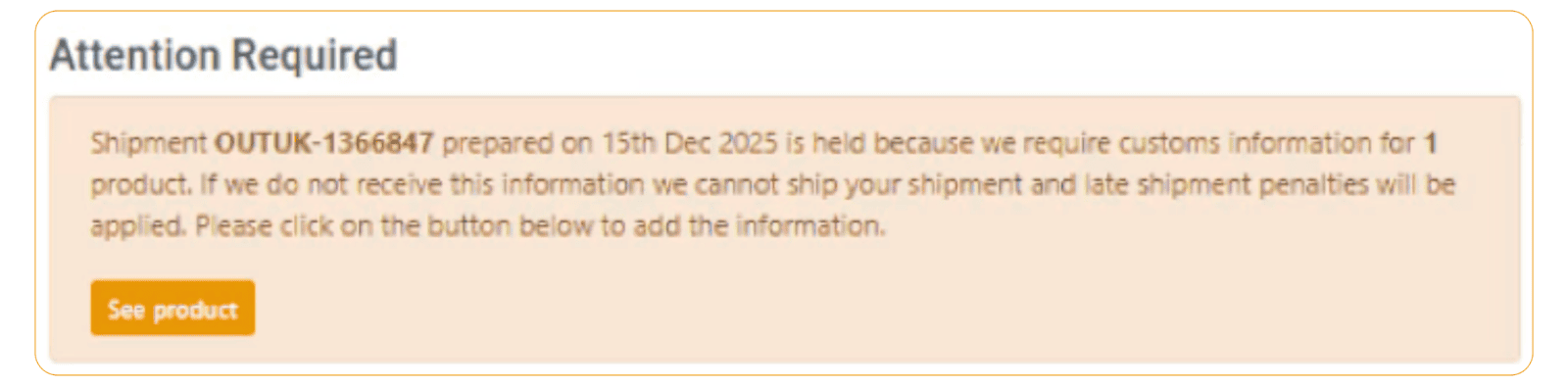
If there is information missing, then you will be alerted of this on your dashboard under ‘Attention Required’. To access the items needing customs information, click on the ‘See product’ button.
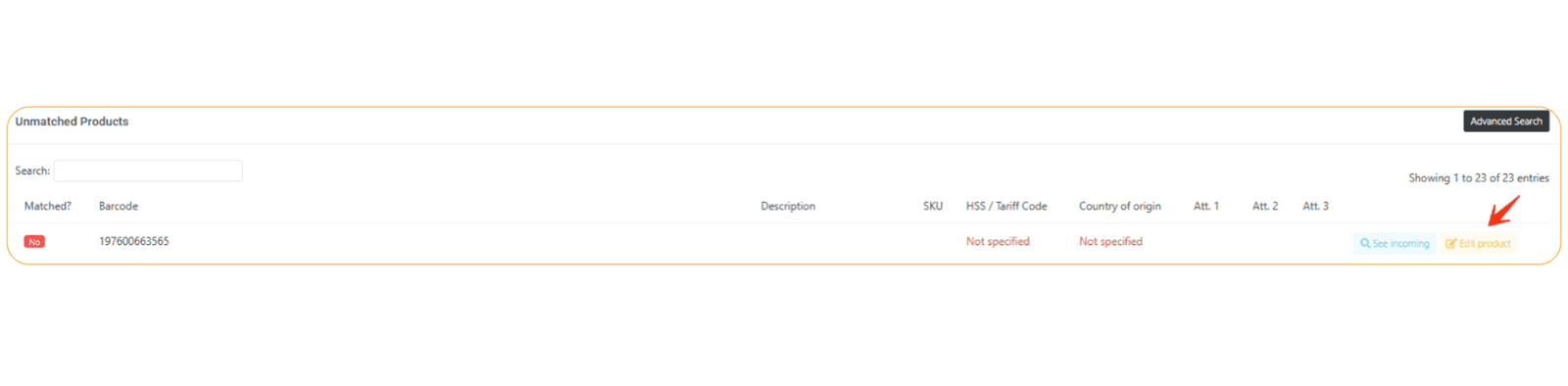
To enter the information, click on the yellow 'Edit product' button.
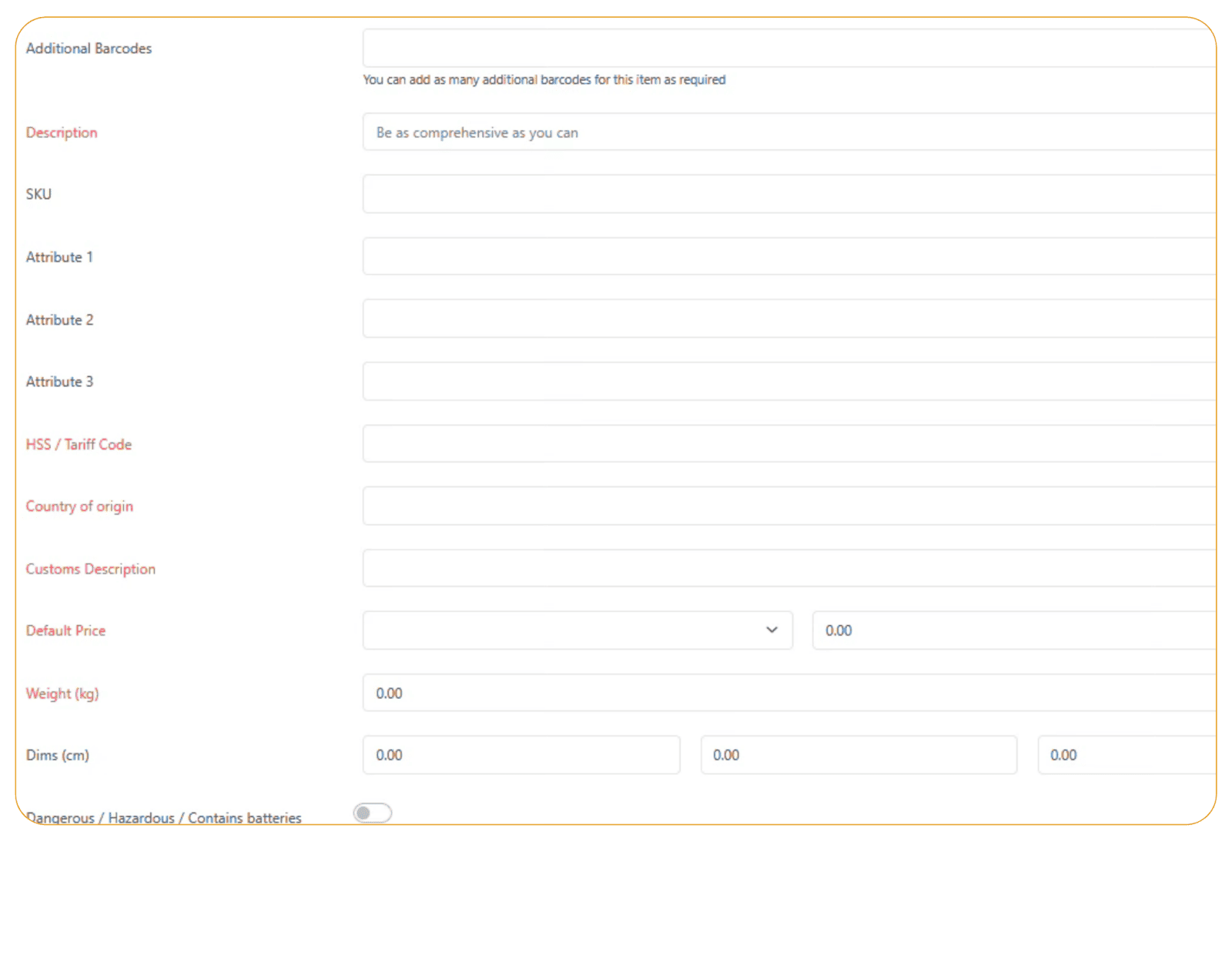
Then add the information required for the fields shown in the red text.
Please note that failure to provide the necessary customs information may result in late shipment penalties being applied for any delayed shipments.